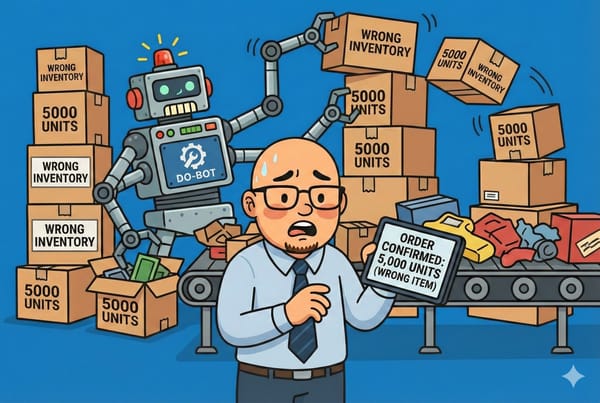
The Flop Hat: The Day I CSV'd My Entire Catalog Into Chaos
I broke our entire 10,000-product catalog with one rushed CSV upload. Chaos, free products, and Rewind to the rescue. Learn from my panic.


Welcome to The Flop Hat, where our mistakes are your education (and entertainment).
This week’s saga involves one dangerously confident ecommerce manager, one spreadsheet behaving like a drunk octopus, and over 10,000 products on BigCommerce that didn’t know what hit them.
Let’s rewind. (Pun fully intended.)
The Plan: Just a Quick CSV Update, What Could Go Wrong?
I had noble intentions. Truly.
- Update a few prices
- Clean up some SKUs
- Polish product titles
So I exported the catalog from BigCommerce, cracked open Excel like a pro, and dove in like a caffeinated raccoon. Did I back up the original file? Of course not. I was in The Zone™.
Fifteen minutes and exactly zero test uploads later, I smashed that import button with the confidence of a toddler launching a sippy cup.
The Meltdown
Refresh the site. Instant chaos.
- Product names? Gone.
- SKUs? Multiplied like rabbits.
- Prices? $0.00 across the board (if only customers had known).
- Images? Missing in action.
- Categories? Vaporized.
Someone bought a multi-thousand dollar scale for free. I wish I were kidding.
One product somehow became a category. I still don’t understand that part, and I’ve made peace with never knowing.
The Moment of Clarity (And Sweat)
That familiar chest-tightening panic hit. You know the one. I was about to manually rebuild the entire catalog. I pictured my weekend: spreadsheets, crying, emails that begin with “regret to inform.”
Then I remembered: I had set up Rewind for BigCommerce.
The Save: Rewind to the Rescue
Folks, I have never been more grateful for automation. Rewind let me roll back the entire product catalog like nothing happened.
No begging. No "please wait 3–5 business days." Just sweet, sweet Ctrl+Z energy.
If Rewind had a tip jar, I’d Venmo them every time I look at my now-functional storefront.
Postmortem: Where It All Went Wrong
- No clean backup
- No test with a small batch
- No attention to column formatting
- No clue what half the headers even meant
- All vibes, no caution
If I had read a single help article, I might still have hair.
10 Things I Now Do (Because Therapy is Expensive)
- Use Rewind religiously.
- Label backups clearly. No more files named "final_FINAL_final3.xlsx."
- Use test imports with 3–5 products before touching the catalog.
- Color-code everything. Like I’m planning a wedding.
- Set a calendar reminder for catalog updates. No more impulse edits.
- Avoid editing CSVs under time pressure.
- Make sure column headers match exactly. Even one rogue space can break the universe.
- Log changes. Yes, with notes. No, not just in my head.
- Update only during slow traffic hours. Looking at you, Tuesday 2:30AM.
- Rewind. Rewind. Rewind. Just in case you forgot who saved my bacon.
Fun Facts About the Fallout
- 41 people tried to check out during the 45 minutes of chaos.
- One customer emailed asking if everything was okay because it felt "haunted."
- I got a message from a coworker that just said: “Dude."
The Emotional Journey (in Five Acts)
Act I: Optimism
"This will take 10 minutes max."
Act II: Confusion
"That’s weird. Where did all the images go?"
Act III: Panic
"Please no. Please God no."
Act IV: Bargaining
"I promise I’ll never edit live again if you fix this."
Act V: Relief (and snacks)
"Rewind, marry me."
Final Thoughts: It’s Not Just a CSV, It’s a Loaded Weapon
Your product catalog is sacred. You don’t perform surgery with a chainsaw, and you don’t bulk-edit 10,000 items at once on a whim.
Unless you’re me.
But thanks to Rewind for BigCommerce, you can screw up and survive to sell another day.
So here’s my new motto:
"Click less. Backup more. Rewind everything."
📬 Join the HatStacked Newsletter
Weekly tips, tools, and insights to make your small business feel a little less chaotic.
Subscribe